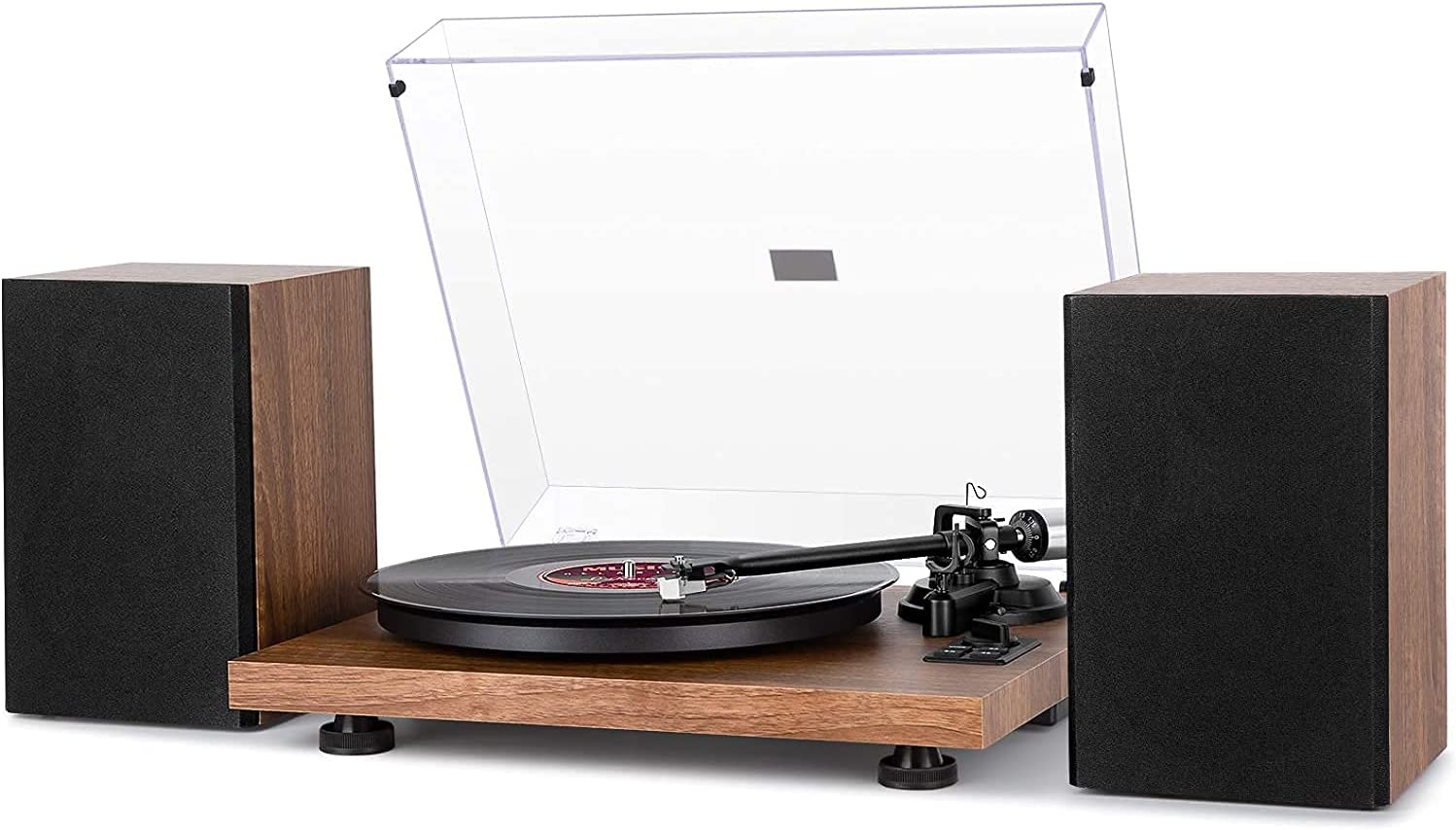
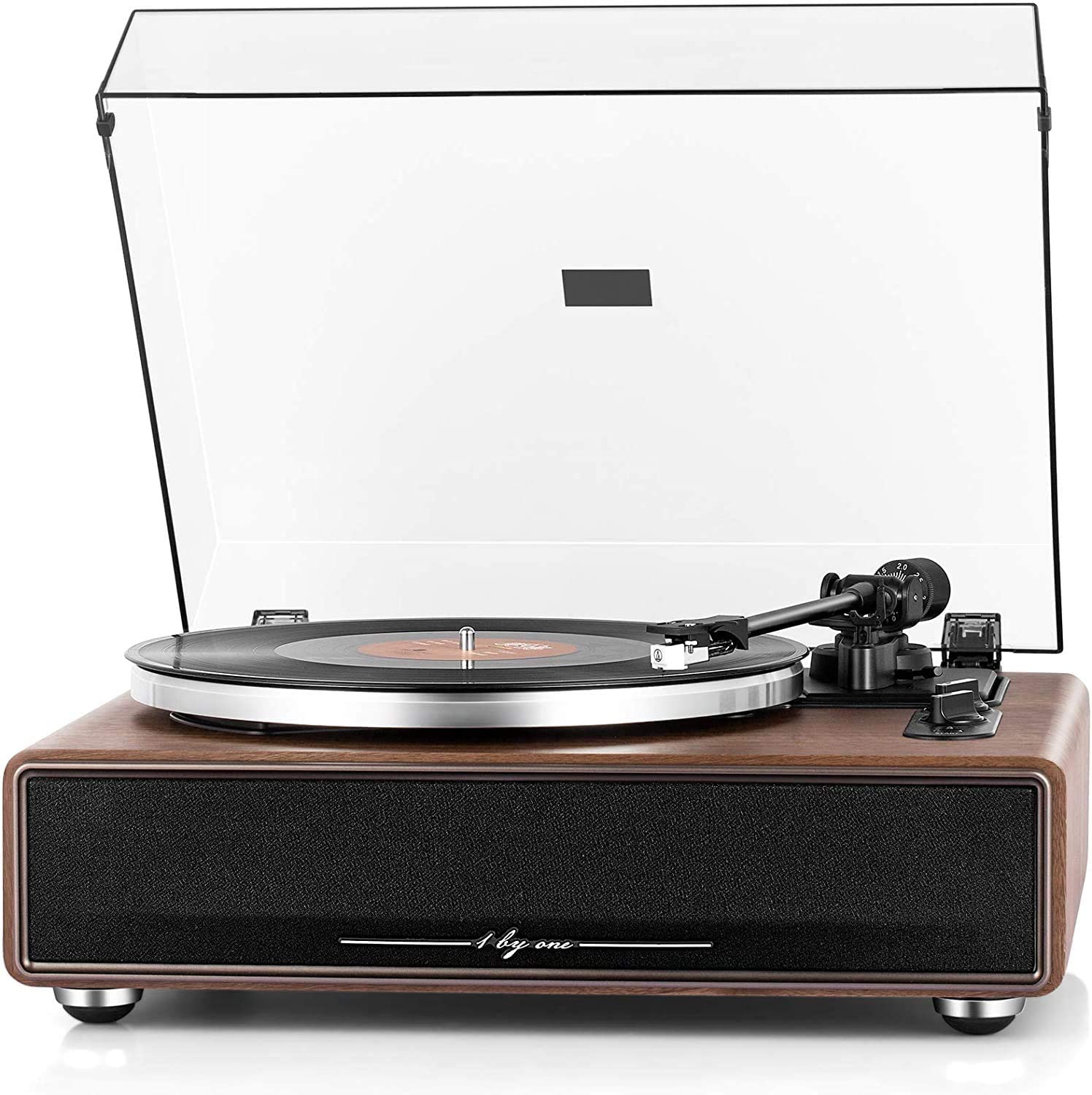
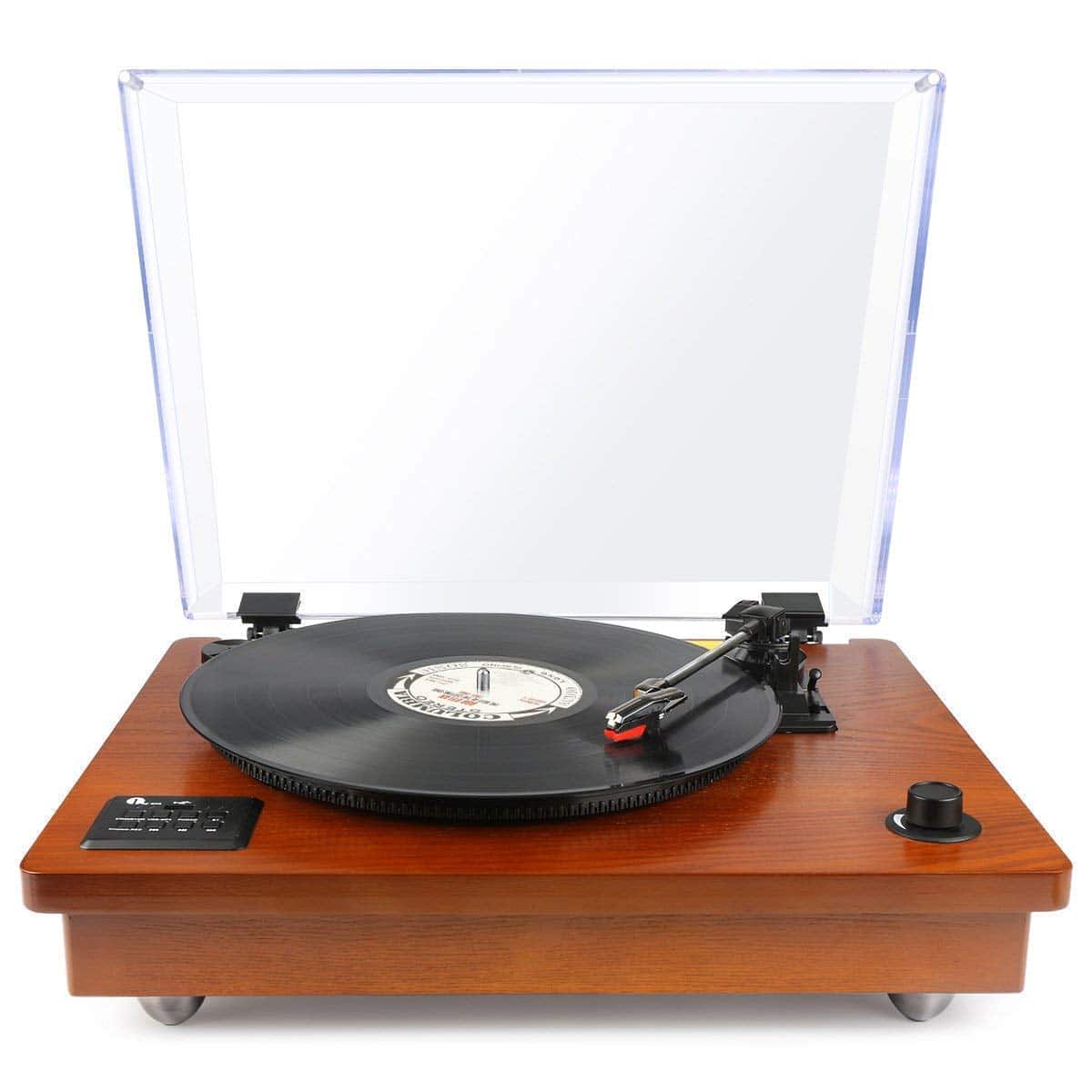
Watch the guide video
Quick answer
Connect the turntable to a phono input if your amplifier has one and the turntable is set to phono output. If the turntable has a built-in phono stage and you switch it to line output, connect it to a normal line input such as AUX, CD or Tuner instead.
If there is a separate earth or ground wire, attach it to the amplifier ground terminal when using a phono connection. After that, set tracking force and anti-skate if your turntable allows it, start with low volume, and listen for clean sound from both speakers.
Key Takeaways
- A turntable cartridge produces a very small signal, so most traditional setups need a phono stage before the amplifier can use it properly.
- A phono input is not the same as AUX, CD, Tape or Line In.
- Some turntables have a built-in phono stage, often with a switch marked Phono/Line.
- Grounding matters when using a phono-level connection, because poor earthing can cause hum.
- Correct tracking force protects records and helps the stylus follow the groove cleanly.
- Start with the amplifier volume low, then raise it gradually after you know the signal path is correct.
The main decision is simple: use one phono stage, not none and not two. Too little amplification gives very quiet, thin sound; too much gives loud, distorted sound.
What You Need Before Starting
Before you connect anything, gather the parts and check the rear panels. It is easier to solve connection problems before the turntable is fully placed on a shelf.
You will usually need:
- A turntable with cartridge and stylus fitted.
- An amplifier or receiver.
- A pair of passive speakers connected to the amplifier.
- RCA phono cables, usually red for right and white or black for left.
- A ground wire if the turntable has a ground terminal or captive earth lead.
- A mains socket for the turntable and amplifier.
- A record you know is reasonably clean and not badly warped.
If your amplifier has no phono input, you need either a turntable with a built-in phono stage or a separate external phono preamp. Many modern turntables, especially USB and Bluetooth models, may include extra electronics, but you should confirm this from the rear panel or manual rather than assuming.
Common labels to look for on the amplifier are Phono, MM, MC, AUX, CD, Tuner, Line In and Tape. MM means moving magnet, which is the most common cartridge type supplied with entry-level and mid-range turntables.
Understanding the Connections
A record player cartridge does not output the same kind of signal as a CD player or streamer. Its signal is tiny and has a special tonal balance that must be corrected by a phono stage.
A phono stage does two jobs. It boosts the very quiet cartridge signal, and it applies equalisation so the bass, midrange and treble sound natural.
There are three common connection routes:
- Turntable phono output into amplifier phono input.
- Turntable phono output into separate phono preamp, then preamp line output into amplifier AUX or similar.
- Turntable line output into amplifier AUX, CD, Tuner or Line In.
Do not connect a line-level turntable output to a phono input. The result is usually too loud, boomy and distorted.
Do not connect a phono-level turntable output to AUX or CD unless you are using a separate phono preamp first. The result is usually extremely quiet, thin and lacking bass.
Choose the Right Signal Path
Start by identifying what your amplifier can accept. If it has an input marked Phono, it has a built-in phono stage for at least one cartridge type.
Most integrated amplifiers with a phono input are designed for MM cartridges. If your turntable has an MC cartridge, check compatibility carefully, because MC cartridges need different gain and loading.
For most ordinary systems, the likely choices are:
- Amplifier has Phono and turntable is set to Phono: connect directly to Phono.
- Amplifier has no Phono and turntable has Line output: connect to AUX, CD, Tuner or Line In.
- Amplifier has no Phono and turntable has only Phono output: add an external phono preamp.
- Amplifier has Phono but turntable is set to Line: either switch the turntable to Phono or use a line input instead.
Examples from the wider market include traditional manual turntables such as Rega Planar and Pro-Ject Debut models, plus modern USB or Bluetooth turntables such as some Audio-Technica, Sony and Lenco models. The important point is not the brand name, but the actual output setting and input you use.
Step-by-Step Setup
- Switch everything off at the wall before connecting signal cables.
You should see all power lights go out. This avoids loud pops through the speakers and reduces the chance of connecting to the wrong input while the system is live.
- Place the amplifier where its rear panel is accessible.
You should be able to read the input labels clearly. If you cannot, use a torch rather than guessing.
- Place the turntable on a rigid, level surface away from the speakers if possible.
The platter should sit flat and should not rock when gently touched. If the shelf wobbles, fix the support before judging sound quality.
- Fit the platter, belt and mat according to the turntable instructions.
On a belt-drive model, the belt should sit smoothly around the motor pulley and platter or sub-platter. The platter should rotate freely by hand without scraping.
- Check the cartridge and stylus guard.
The cartridge should be firmly attached, and the stylus guard should stay on while you are doing general setup. Remove it only when you are ready to balance or play, depending on the turntable design.
- Connect the RCA cables from the turntable to the correct amplifier input.
Red goes to right channel, and white or black goes to left channel. After connection, both plugs should feel snug, not half-inserted or loose.
- Attach the ground wire if you are using a phono-level connection and the turntable provides one.
Connect it to the amplifier terminal marked Ground, GND or with an earth symbol. You should not need tools beyond finger-tightening the small ground post.
- Select the correct output mode on the turntable if it has a Phono/Line switch.
Set it to Phono when using an amplifier phono input. Set it to Line when using AUX, CD, Tuner or Line In.
- Connect the speakers to the amplifier if they are not already connected.
Left speaker cable should go to left amplifier terminals, and right to right. Red usually means positive and black usually means negative, so keep the polarity consistent at both ends.
- Plug in the turntable and amplifier, then switch on the amplifier with volume low.
You should see the amplifier power light or display come on. Keep the volume low until the record is playing cleanly.
- Select the matching input on the amplifier.
If you connected to Phono, select Phono. If you connected to AUX, CD or Tuner, select that exact input.
- Start the turntable and cue the stylus onto the record.
You should hear music from both speakers after a second or two. If you hear heavy hum, sharp distortion or almost no volume, stop and check the signal path before turning the volume up.
Initial Checks and Adjustments
Some turntables arrive largely preset, while others need proper tonearm adjustment. Do not assume a manual turntable is ready to play just because the platter spins.
The key adjustments are tracking force, anti-skate and, on some models, cartridge alignment. Tracking force is the downward pressure of the stylus in the groove.
Too little tracking force can cause mistracking, skipping and groove damage. Too much can also increase wear, so use the cartridge maker's recommended range.
If your turntable has an adjustable counterweight, the usual process is:
- Keep the stylus guard on if the manual allows it, or work very carefully if it must be removed.
- Set anti-skate to zero.
- Balance the tonearm so it floats level, neither rising nor falling.
- Set the tracking force dial to zero without moving the counterweight itself.
- Turn the counterweight to the recommended tracking force.
- Set anti-skate to roughly the same number as the tracking force for a conventional pivoted arm, unless the manual says otherwise.
After adjustment, the arm should lower smoothly and play without obvious buzzing on loud vocal or brass passages. If it skates rapidly towards the centre or outer edge when lowered, recheck the setup.
Automatic turntables may have fewer user adjustments. In that case, check transport screws, arm locks and any factory setup instructions before first use.
Placement and Vibration Control
A turntable is more sensitive to placement than most hi-fi sources. The stylus is reading tiny groove movements, so vibration from speakers, footsteps and furniture can feed back into the sound.
Good placement usually means:
- A rigid, level support.
- Some distance from loudspeakers.
- No shared lightweight table with a subwoofer or large speaker.
- Enough clearance for the dust cover and tonearm.
- No direct heat from radiators or strong sunlight.
If you hear low-frequency booming that gets worse as you increase volume, you may have acoustic feedback. Move the turntable farther from the speakers, reduce bass reinforcement from corners, or use a more stable support.
Check the turntable is level from front to back and side to side. A small spirit level placed on the platter mat can help, but remove it before playing a record.
Common Mistakes
The most common fault is using the wrong input. Phono and line-level connections look physically similar because both often use RCA plugs, but electrically they are very different.
Avoid these setup errors:
- Turntable set to Line and connected to amplifier Phono.
- Turntable set to Phono and connected straight to AUX with no phono stage.
- Using both the turntable built-in phono stage and the amplifier phono input at the same time.
- Leaving the ground wire disconnected when using a phono input.
- Reversing left and right RCA plugs.
- Running turntable signal cables tightly alongside mains leads.
- Playing records before setting tracking force on an adjustable tonearm.
- Placing speakers on the same flimsy surface as the turntable.
Another common issue is expecting Bluetooth turntable behaviour to match a traditional hi-fi setup. Bluetooth may be useful for convenience, but a conventional amplifier connection normally uses analogue cables.
Do not plug passive speakers directly into a turntable unless the unit is an all-in-one player with speaker terminals designed for that purpose. A normal turntable output cannot drive passive speakers.
Safe Troubleshooting
If something sounds wrong, turn the volume down first. Then work through one change at a time, so you know what actually fixed the problem.
If there is no sound:
- Check the amplifier is on the correct input.
- Check the turntable is spinning and the stylus is lowered onto the record.
- Check the RCA plugs are fully inserted at both ends.
- Check the turntable output switch matches the amplifier input.
- Try another line source on the amplifier to confirm the amplifier and speakers work.
If the sound is very quiet and thin, you are probably feeding a phono-level signal into a line input. Use a phono input, switch the turntable to Line if it has that option, or add an external phono preamp.
If the sound is loud, distorted and bass-heavy at low volume, you may be feeding a line-level signal into a phono input. Move the RCA cables to AUX, CD or another line input, or switch the turntable output to Phono if you specifically want to use the amplifier phono input.
If there is hum:
- Attach or re-seat the ground wire.
- Move signal cables away from mains adapters and power leads.
- Check the RCA plugs are secure.
- Try a different amplifier input only if you are using line level.
- If using an external phono preamp, check both its input and output connections.
If only one speaker plays, swap the left and right RCA plugs at the amplifier. If the silent side moves, the issue is before the amplifier; if it stays on the same speaker, check speaker cable and amplifier balance settings.
Never open an amplifier, power supply or mains plug to investigate an internal fault unless you are qualified to do so. If you smell burning, see smoke, hear crackling from inside the amplifier, or the mains fuse trips repeatedly, disconnect the system and seek professional service.
How to Confirm Everything Is Working
A correctly connected system should produce music at a normal listening volume without needing the amplifier volume control unusually high or low. There should be no strong hum, no harsh overload distortion and no channel missing.
Use a familiar, clean record for the first test. Avoid judging the setup with a charity-shop disc that may be worn, dirty or pressed off-centre.
Listen for these signs:
- Vocals appear centred between the speakers on a typical stereo mix.
- Bass is present but not bloated or wildly uneven.
- Treble is clear without splashing or excessive fuzz.
- The record plays through normal passages without skipping.
- Turning the amplifier up does not create a growing low-frequency howl.
Check the mechanical side as well. The platter should rotate steadily, the arm should move freely, and the stylus should sit in the groove rather than bouncing or dragging.
A little surface noise is normal with vinyl, especially on older records. Constant buzzing, scraping, mistracking or heavy distortion is not normal and should be investigated before playing more records.
Frequently asked questions
Can I connect a turntable to any amplifier?
You can connect a turntable to most amplifiers, but you need the right signal level. An amplifier with a phono input can accept a phono-level turntable output, while an amplifier without one needs a line-level turntable output or a separate phono preamp.
If the amplifier only has digital inputs, a normal analogue turntable will not connect directly. You would need suitable analogue input equipment in the chain.
What is the difference between a phono preamp and an amplifier?
A phono preamp, also called a phono stage, prepares the tiny cartridge signal so it becomes a normal line-level signal. It does not usually drive speakers by itself.
An amplifier takes a line-level source and powers passive speakers. Some integrated amplifiers include a phono stage inside, which is why they have a dedicated Phono input.
Do I always need to use the ground wire?
Use the ground wire when the turntable provides one and you are using a phono-level connection. It helps reduce hum caused by earthing differences between the turntable and amplifier.
Some turntables with built-in phono stages or fixed cables may not have a separate ground wire. If the setup is quiet and the manual does not specify one, that can be normal.
Can I use the CD input for a turntable?
Yes, but only if the turntable is outputting a line-level signal. That means either the turntable has a built-in phono stage switched to Line, or you are using an external phono preamp between the turntable and amplifier.
Do not connect a bare phono-level turntable output straight into CD and expect normal volume or tonal balance.
Why does my turntable hum more when I touch the tonearm?
This often points to a grounding or shielding issue. First check that the ground wire is secure, the RCA plugs are fully seated, and the signal cables are not bundled with mains leads.
If the hum changes when you touch metal parts, do not dismantle the turntable or amplifier. Recheck the manual, try sensible cable routing, and get qualified help if the problem persists.
Should I connect through Bluetooth instead of the amplifier?
For a traditional hi-fi system, a wired connection to the amplifier is usually the most straightforward route. It keeps the turntable in the same source chain as your other hi-fi components.
Bluetooth can be convenient for wireless speakers or casual listening, but it adds pairing, compression and latency considerations. If your aim is a conventional amplifier-and-speaker system, start with RCA cables.
What if my amplifier has both MM and MC phono options?
Choose the setting that matches your cartridge type. Most supplied cartridges on mainstream turntables are moving magnet, so MM is common, but you should confirm from the cartridge or turntable documentation.
Using the wrong setting can give incorrect volume, noise or tonal balance. If you are unsure, do not guess with the volume high.
Can poor setup damage my records?
Yes, especially if tracking force is far too light or the stylus is damaged. A mistracking stylus can scrape through groove peaks rather than following them cleanly.
Set tracking force to the cartridge maker's recommended range, keep the stylus clean, and replace a worn or unknown stylus before playing valued records.
Final recommendation
Once the system is working, make a note of which input you used and whether the turntable is set to Phono or Line. That small label or note can save a lot of confusion when you move equipment later.
For the best next step, tidy the cable routing, confirm tracking force, and play several familiar records before changing equipment. If the sound is clean, balanced and hum-free, your priority should be record care and stable placement rather than buying more boxes immediately.